
Searching Cases by Name
The official Wisconsin Circuit Court Access search takes a person's last, first, and middle names. It also takes a business name. Pick Forest County from the county list. That keeps same-name cases from other parts of Wisconsin out of your results. A birth date is a matching aid only. Use it with care, and never copy or republish it from a result.
- Open WCCA through the official Wisconsin case-search entry.
- Select Forest County before entering broad name terms.
- Enter a full last and first name when possible, or use the supported partial-name rule.
- Add middle name, business name, case type, status, or a short date range only when needed.
- Open a likely match and compare county, caption, case type, filing date, and status.
- Record the case number and exact activity label before asking the clerk for a document.
The official interface shows these search fields, and the live WCCA instructions govern whenever labels or options change.
| Field Label | Type | Required | Notes |
|---|---|---|---|
| Last Name | Text | For full person search | Use a full name or at least three letters plus an asterisk for a partial term. |
| First Name | Text | For full person search | Pair with last name; partial terms follow the same wildcard rule. |
| Middle Name | Text and checkbox | No | The checkbox can include records with no middle name. |
| Birth Date | Date and checkbox | No | Use to distinguish results; the checkbox can include missing dates. |
| Business Name | Text | No | Use at least three consecutive characters for a partial business search. |
| County | Selector | No | Statewide is default; choose Forest County for a local search. |
Forest County Case Search Wildcards
WCCA does not accept just any short fragment as a starts-with search. Its rules ask for at least three straight letters followed by an asterisk. A pattern like THO* fits that form. A one-letter guess is not a sound Forest County search. Full names usually work best as a starting point.
Two broadening checkboxes deserve a closer look. One can pull in parties who lack a middle name when you entered one. The other can pull in parties without a birth date. Both widen the net for Forest County matches. Yet both can also make it harder to know the record belongs to the right person. Compare several nonprivate fields before you settle on an answer. The manifest's official WCCA interface source shows the public search shell and the county selector.
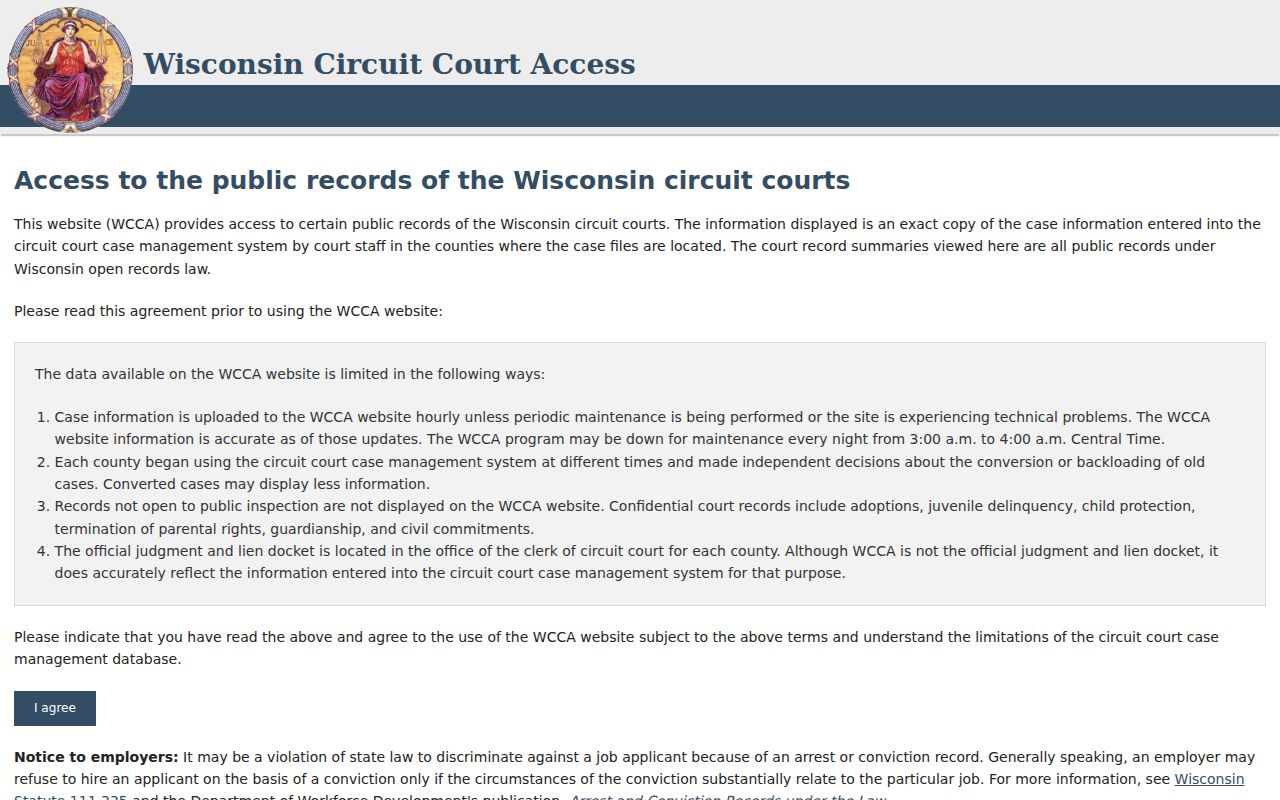
The key local step is simple: narrow the statewide tool to Forest County before you review any matches.
Searching by Case Number
In Forest County, a case number beats a name for precision. Wisconsin numbers blend the filing year, a case-type code, and a sequence. WCCA's short input lets you type 02cf1 in place of 2002CF000001. The letters mark the case category, not the outcome. CF usually means felony. CM means misdemeanor. CT means criminal traffic, CV civil, SC small claims, FA family, PR probate, JV juvenile, TR traffic, and FO forfeiture.
Type the number you have exactly as it appears. Then confirm the county and caption that come back. Do not build a number from a filing date or guess at a missing sequence. Advanced search adds controls for year, case type, beginning number, and ending number. Use them when you know a series. The live interface stays authoritative on dynamic options.
When you contact the clerk, bring the full Forest County number. Bring the document or event name too. A number search reaches the docket. It does not make the complaint, order, exhibit, or transcript downloadable.
Forest County Case Search Type Codes
Think of the type code as a routing aid. It separates similar names and points you toward the right Forest County office. Circuit criminal, civil, family, small-claims, probate, traffic, and forfeiture matters can all run through WCCA when their public data is available. Their access rules still differ.
| Type | Forest County Route | Key Caution |
|---|---|---|
| CF, CM, CT | WCCA and Clerk of Circuit Court | A charge is an allegation; read each disposition. |
| CV, SC, FA | WCCA and Clerk of Circuit Court | Family fields or filings can be protected. |
| PR, JV and related matters | Register in Probate or clerk | Juvenile and protected records can be restricted. |
| TR, FO | Citation, WCCA, or issuing court | A municipal citation may remain outside WCCA. |
| Appeal | WSCCA | The appellate case can have a new number. |
A Forest County municipal ordinance or parking matter may not show up in the circuit portal at all. Follow the court named on the citation instead. A federal matter belongs in PACER, not WCCA. The manifest's Wisconsin circuit directory source places Forest County in the 9th Judicial District.
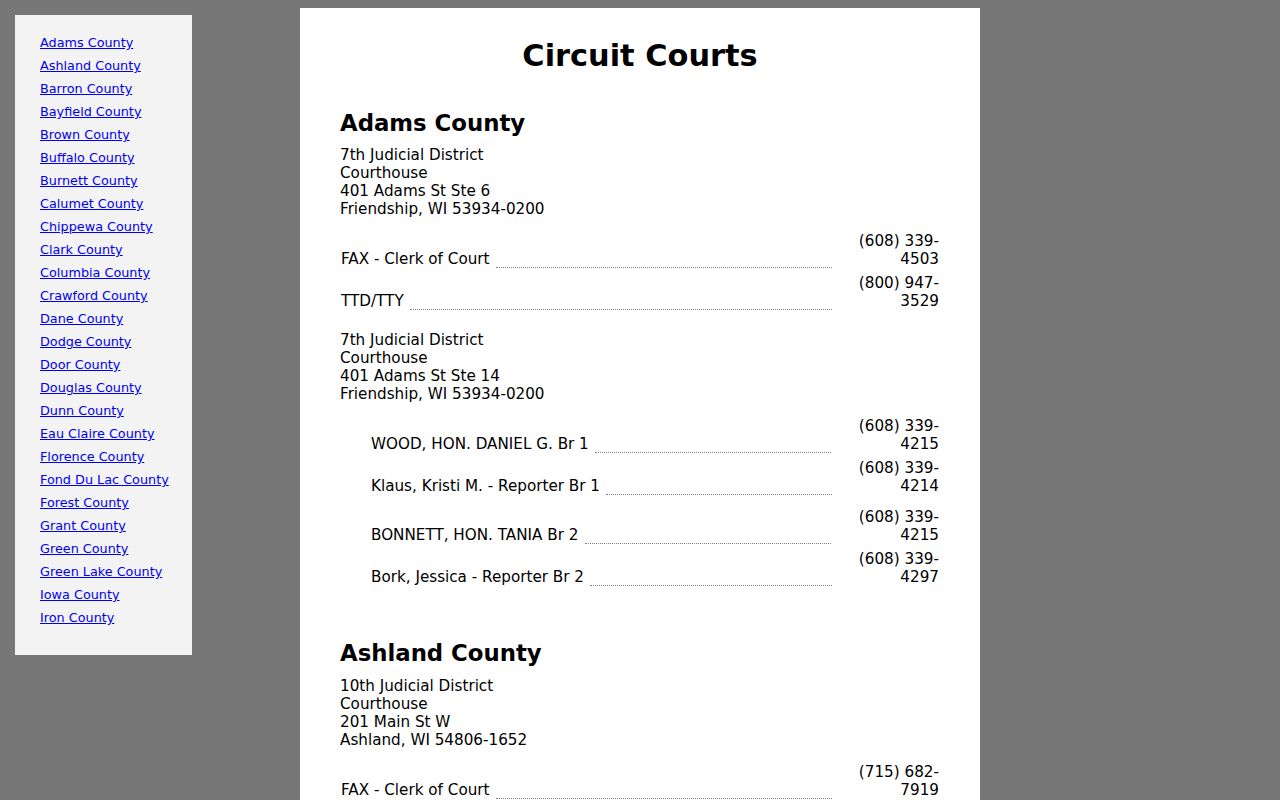
Use that directory to confirm the court and clerk route once a Forest County match appears.
What a Case Search Returns
A public Forest County result can open a case detail with several tabs. Availability varies by case. The header may list county, number, caption, filing date, type, status, and branch. Other views can show parties, charges, citations, activities, court-record labels, civil judgments, and receivables. Selected court dates, filings, orders, and judgments may appear as entries alone. The electronic documents behind them may not be there.
| Case Number | The Forest County identifier, including year, type code, and sequence. |
|---|---|
| Caption and Parties | The named roles in the case, subject to public-display and privacy limits. |
| Case Type | The category that guides which fields, tabs, and office route apply. |
| Filed Date | The date the case entered the court record, not necessarily an event date. |
| Status | Pending, disposed, dismissed, reopened, or another live system label. |
| Activities | Dated filings, hearings, orders, notices, judgments, and administrative events. |
| Financial Views | Public judgment or receivable information where the case supports it. |
Read the activity sequence before you sum up a Forest County case. "Disposed" does not explain how each claim or charge ended. A judgment entry is not proof of satisfaction, and a hearing entry by itself does not state what the judge decided.
Forest County Case Search Result Tabs
Think of WCCA as a window, not a filing cabinet. It shows selected Forest County case data rather than the whole court file. Summary and Parties tell you who is involved and in what role. Charges or Citations hold the claim details where they apply. Activities and Court Record come closest to the actual docket sequence. Civil Judgments and Receivables may reveal financial status. Tabs vary from case to case, so expect some to be missing.
The Documents tab trips people up. General Internet users do not get the public electronic documents through WCCA. That comes straight from the official CCAP explanation. To see a filing itself, call the clerk. Penny Carter heads the Forest County Clerk of Circuit Court office. The number is 715-478-3323. Have the case number, exact title, and date ready.
The state's official case-search source is the entry point for both circuit and appellate searches.
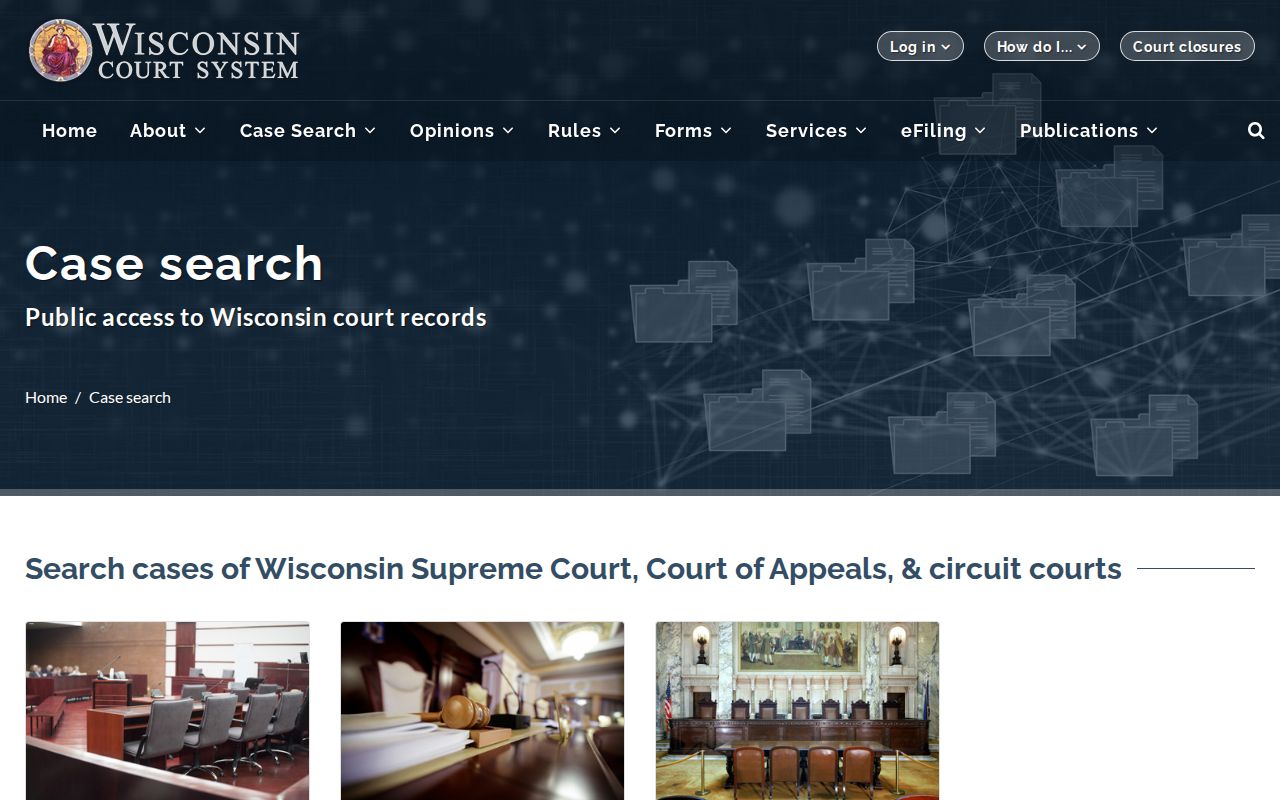
Those separate choices are a reminder that a circuit search and an appellate search are not one record set.
Note: A Forest County docket label can stay public even when the related document is sealed, confidential, or available only in redacted form.
Statewide vs County Case Search
Forest County runs no separate public circuit-case database of its own. A statewide search and a Forest-only search both go through WCCA. The only difference is the county filter. When you do not know where a case was filed, search statewide first. If the matter is local, pick Forest County. That gives you a tighter, cleaner set of docket results.
| WCCA Statewide | WCCA Filtered to Forest County | WSCCA Appellate |
|---|---|---|
| Searches public circuit data across Wisconsin. | Limits the same circuit system to Forest County. | Searches Wisconsin Court of Appeals and Supreme Court cases. |
| Useful when the county is uncertain. | Best for a known Forest County filing or citation. | Best after a circuit judgment has an appeal. |
| Can return more same-name matches. | Reduces geographic mismatch. | May use a new appellate docket number. |
| Does not provide public document images. | Does not become a county document portal. | Has separate appellate access rules. |
For broader context, the official appellate search source opens a separate environment for Supreme Court and Court of Appeals records.
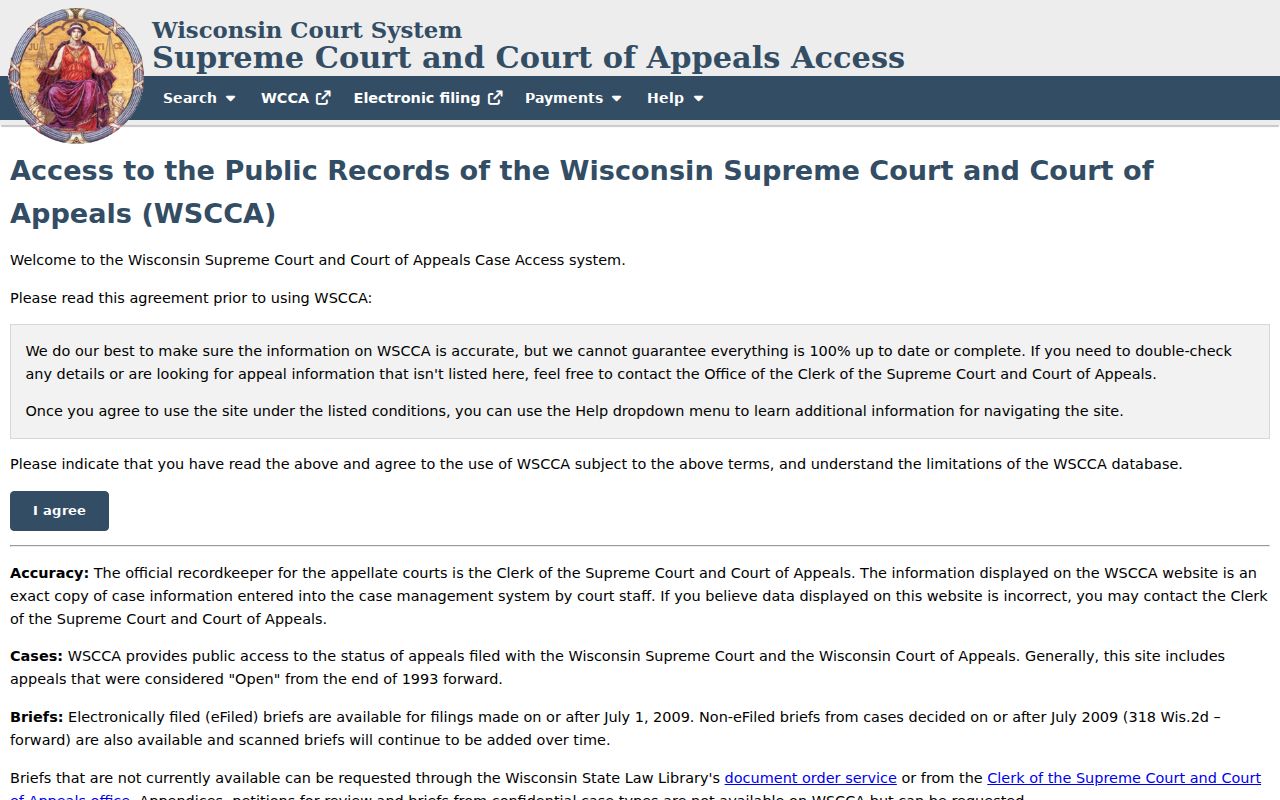
That appellate site is where a Forest County appeal lives, not in the circuit court WCCA results, so check it separately when a case has moved up.
Forest County Case Search Limits
WCCA's advanced date controls work in short windows only. The system caps a date range at 30 days, so a wide sweep of Forest County filings may take several manual searches strung together. Filing and disposition dates answer different questions too. A filter on filing date can miss a case's later hearing, and a filter on disposition date can skip a case that is still pending.
Expect the occasional CAPTCHA or rate limit, on a first search or a repeat. Follow the prompt and keep going by hand. WCCA offers no public bulk export, and automated querying tends to trip access controls or miss fields that load on the fly. If the service is down, wait and retry, use a courthouse public terminal, or call the Forest County clerk. No official Forest County mirror site exists.
A search can come up empty for mundane reasons: the wrong county, an old or changed spelling, the wrong case type, a filter set too tight, a municipal court rather than circuit court, or a restricted record. Remove one filter at a time. One blank result never means no case exists.
Access and Restricted Cases
Public access to court records has legal limits. Forest County juvenile, adoption, guardianship, Chapter 51, sealed, and protected-person records may be hidden. Some may be shown in reduced form. Wisconsin's §801.19, §801.20, and §801.21 govern protected information, confidentiality, and sealing in circuit court filings.
A blank Forest County result does not prove a case was destroyed, dismissed, or never filed. Redaction strips protected data from a copy. Sealing closes off all or part of a record by court order, so it is worth asking the clerk whether a public index, a redacted copy, or a lawful access route exists. Route probate, guardianship, juvenile, Children's Code, Chapter 51, and adoption questions to the Register in Probate. That office can be reached at 715-478-2418.
Never dodge a restriction with repeated spelling changes or unauthorized accounts. Just because a record displays publicly does not grant permission to republish it. Do not republish Social Security numbers, account numbers, driver-license numbers, passport numbers, birth dates, private addresses, medical details, or victim information.
Forest County Case Search Clerk Fallback
Some searches need a human. If the case number comes up empty, if a docket entry looks out of date, or if several Forest County cases match one name, the clerk of court is the next stop. The county offers no online request form. There is no records email or copy menu either. Phone the office at 715-478-3323 before mailing anything. The address is 200 E Madison St, Crandon, WI 54520.
Have your details ready when you call. That means the Forest County case number, the case type and year, the exact filing or event you need, a date range, your contact information, and whether you want a plain or certified copy. Ask about inspection, pickup, or mail delivery, and which payment the office takes. The state fee chart is only a guide, so let the local clerk confirm the current application fee plus any search, copy, certification, or postage costs.
For upcoming hearings, use the Forest County court calendar process and confirm anything urgent directly. A WCCA printout is a summary, not the court record itself. If you need the actual complaint, order, exhibit, judgment, or transcript, order it from the clerk. The office can answer records questions. It will not interpret a filing or hand out legal advice.